
xDrip+ Base URL formatter
Enter your Nightscout site and API secret. The URL is generated on this device; these fields are not sent to us or stored.
Connect an existing xDrip+ glucose source to Nightscout using the correct upload Base URL. This guide is for Android uploaders; configuring an app to follow Nightscout is a separate task.
Before you configure upload
This guide assumes current glucose is already visible in Android xDrip+. Sensor pairing and Bluetooth setup are covered by the upstream xDrip documentation. xDrip4iOS is a different app.
Copy your complete HTTPS site URL and API Secret from Site Settings in your Pro account. Keep any region component. If you need a site first, follow Nightscout account setup or compare hosting plans.
Configure xDrip+ Nightscout upload
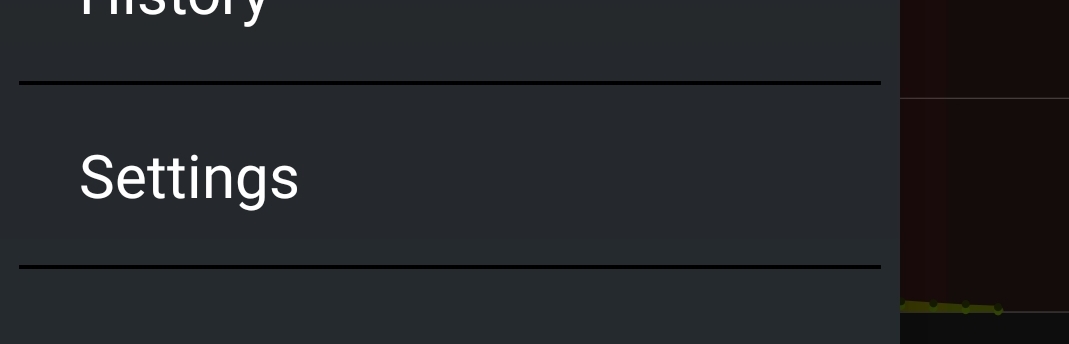
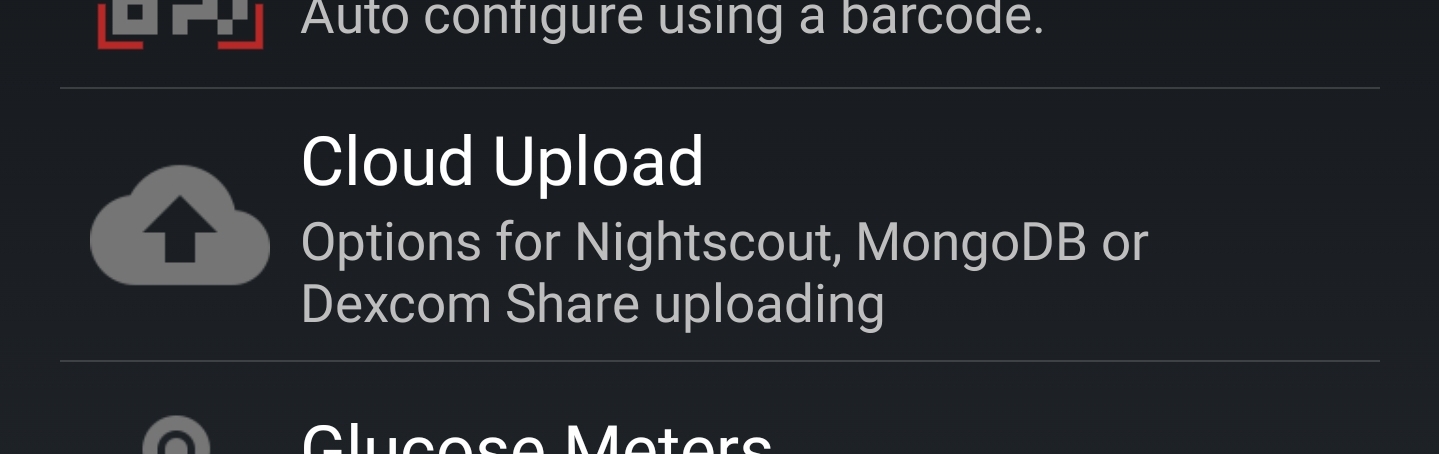
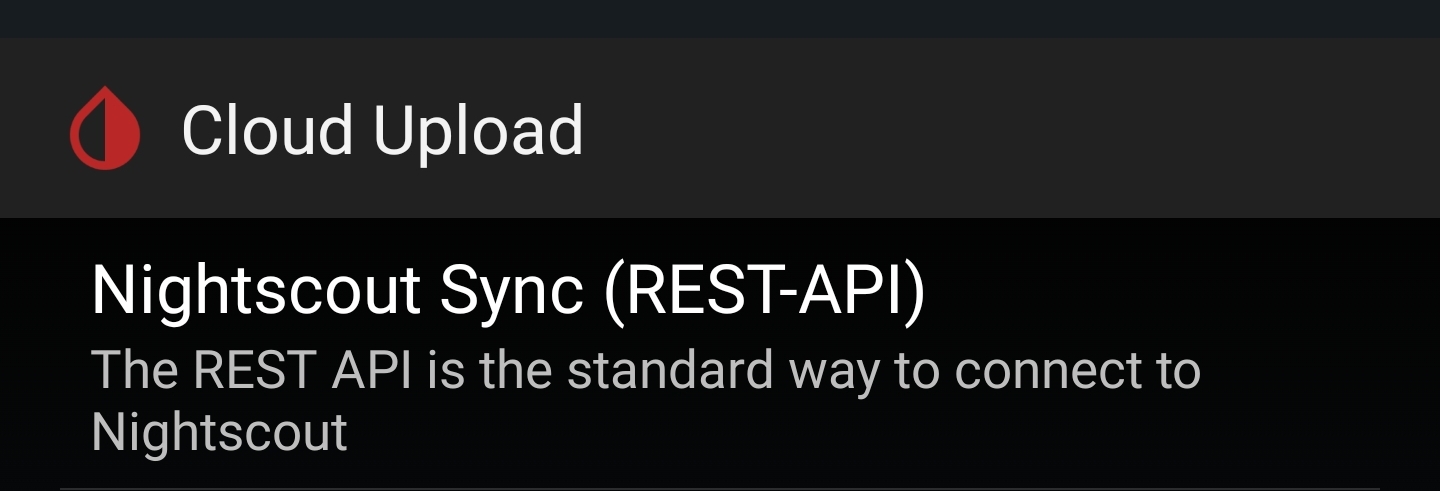
- In xDrip+, open Settings → Cloud Upload → Nightscout Sync (REST-API).
- Enable the upload switch at the top.
- Set Base URL using the formatter above. It preserves the full hostname and encodes URL-special characters in the secret.
- Save, allow a new source reading to arrive, and compare its value and timestamp in Nightscout.
The expected format is https://YOUR_API_SECRET@YOUR_COMPLETE_HOSTNAME/api/v1/. Enter only the clean site address into the formatter, without credentials, an existing API path, query string or fragment.
The generated Base URL contains a credential. Keep it private and out of screenshots or support messages. The formatter runs on this device; these fields are not sent to us or stored.
Troubleshoot missing xDrip+ uploads
From xDrip’s home screen, open the three-dot menu and View Events Log. Check System Status and the uploader queue or last-upload status. Remove credentials before sharing an error.
A 401 or 403 error points to authentication or permission. DNS or TLS errors call for hostname, network and certificate checks; keep HTTPS enabled. If uploads stop only in the background, review Android’s background and battery permissions for xDrip+.
Use one intended glucose uploader. A follower downloading from a site must not upload those same readings back to it. Follower configuration is separate from upload; see the upstream Nightscout follower guide.
Screen reference
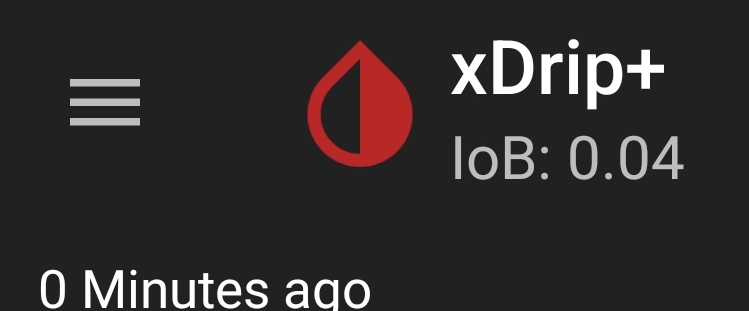
These existing screenshots show the navigation. Menu labels can vary by app version; use your own site and credentials.
Related setup guides
Read the Nightscout URL guide or choose a source route for Dexcom and FreeStyle Libre. The upstream uploader settings explain the Android app controls.
Technical guidance checked against current Nightscout Pro setup guides on 10 November 2026. Third-party menu labels and availability can vary.