
Check compatibility.
Find your diabetes app or account in the list. Check the guide for your device and country, or ask us for help.
Find your connectionManaged Nightscout hosting
See your glucose at a glance, put meals and insulin in context, and choose alerts that fit your life.
Your own Nightscout server, with hosting and updates managed for you.
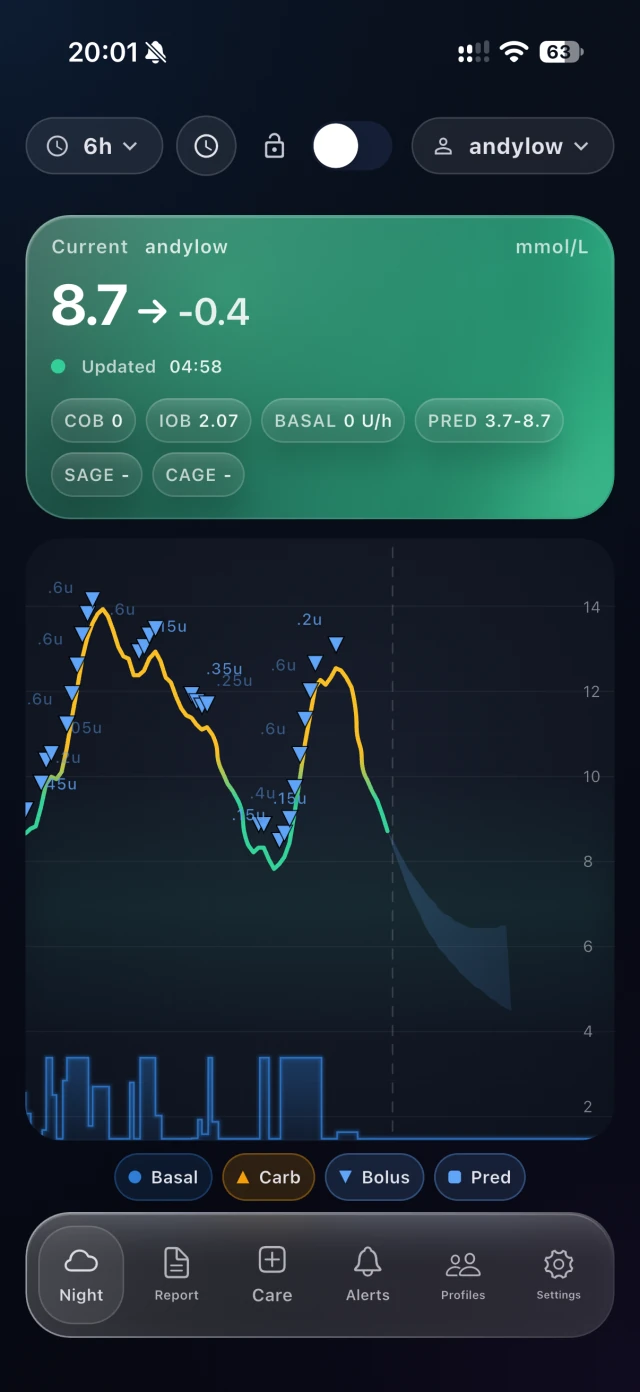
Glucose and direction, together.
See how recent the reading is.
See the meal and insulin records your setup provides.
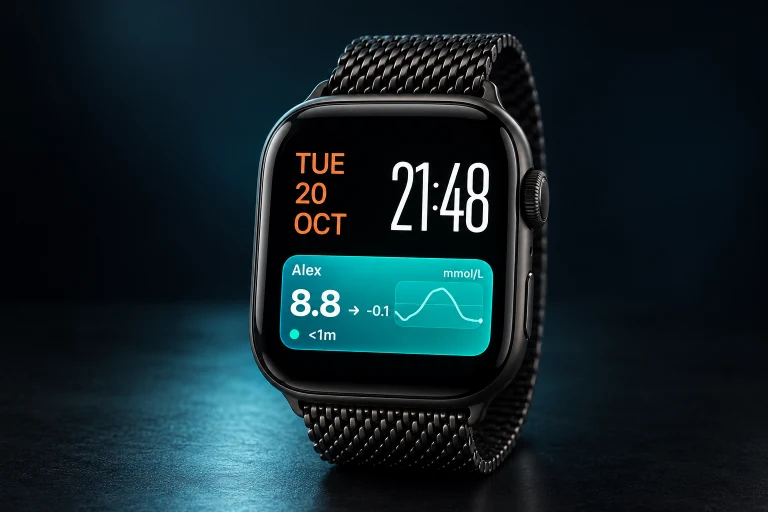
Follow is an iPhone public beta. Features and records depend on your connected devices.
Start with what matters to you.
Glucose at a glanceMore contextAlerts that fitMade for everyday life
Keep your manufacturer app. Add the views, context and alert choices that make a difference to your day.
See your glucose on your Lock Screen, wrist or bedside display. Choose a view that works for you, with the compatible sensor you already use.
Explore the benefitSee glucose alongside recorded meals and insulin. Bring the details together for you and the people who support you.
Explore the benefitChoose the glucose alerts and sounds that suit you. Agree how family members should help, then explore the options for your setup.
Explore the benefit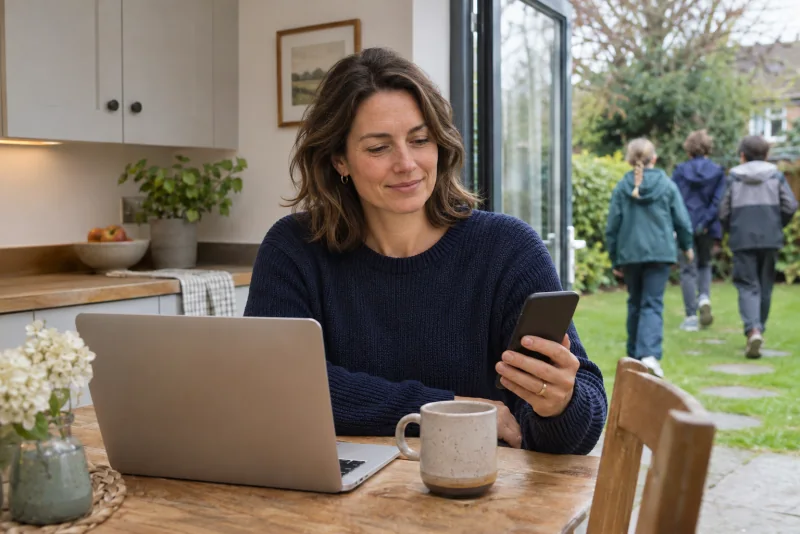
For the people you care about
At school or with friends, see your child's glucose alongside the meal and insulin records your setup provides.
Agree when to check in, with a clearer picture of their day.
Sign upExplore support for parentsFor partners and familiesAI-generated lifestyle image. App preview uses sample data. Available records depend on your connection.
Help shape a proposed pilot for reviewing data from different devices.
Take a look inside
See your readings, add meal and insulin records, and choose your alerts. Try the sample demo, or join the iPhone public beta through Apple TestFlight.
Glucose overview · Sample data
What to look for
The records shown depend on your setup.

Explore with sample data. No account needed.
Try the browser demoReady for your iPhone? Join the TestFlight beta.
Check your connection
Nightscout Pro connects to these diabetes apps and services. Find yours below, then check the guide for your device and country.
Read the connection guidesNightscout ProYour displaysNightscout Pro runs the same open-source Nightscout as the DIY project. Community apps that work with Nightscout work here too. These are just a few examples of apps that can upload directly to your Nightscout.


Pro Connect syncs supported cloud services to your Nightscout automatically. Together with our Nightscout Follow app for viewing and sharing your data, it gives you more from Nightscout Pro.











Tell us your sensor, app and country. We will help you check compatibility before you subscribe.
Supported models, records and features vary by device, account and country. Check your exact setup before subscribing. Names and logos belong to their owners.
Getting connected
Connect your existing diabetes app or account, then choose how to see your readings. We will help you get started.
Find your diabetes app or account in the list. Check the guide for your device and country, or ask us for help.
Find your connectionCreate your Pro account and connect your supported diabetes account using the setup guide.
Set up your Nightscout siteJoin the Follow iPhone beta, then choose your displays and alerts.
Join the iPhone betaPricing
Create your account, then choose your plan.
From
£47.88 billed annually
Sign upSee all payment options →More ways to see your glucose
Explore supported phone and watch views, plus separately purchased displays for your desk or bedside.
Explore apps and displaysHardware is sold and supported by its maker or seller. It is not included in your subscription.
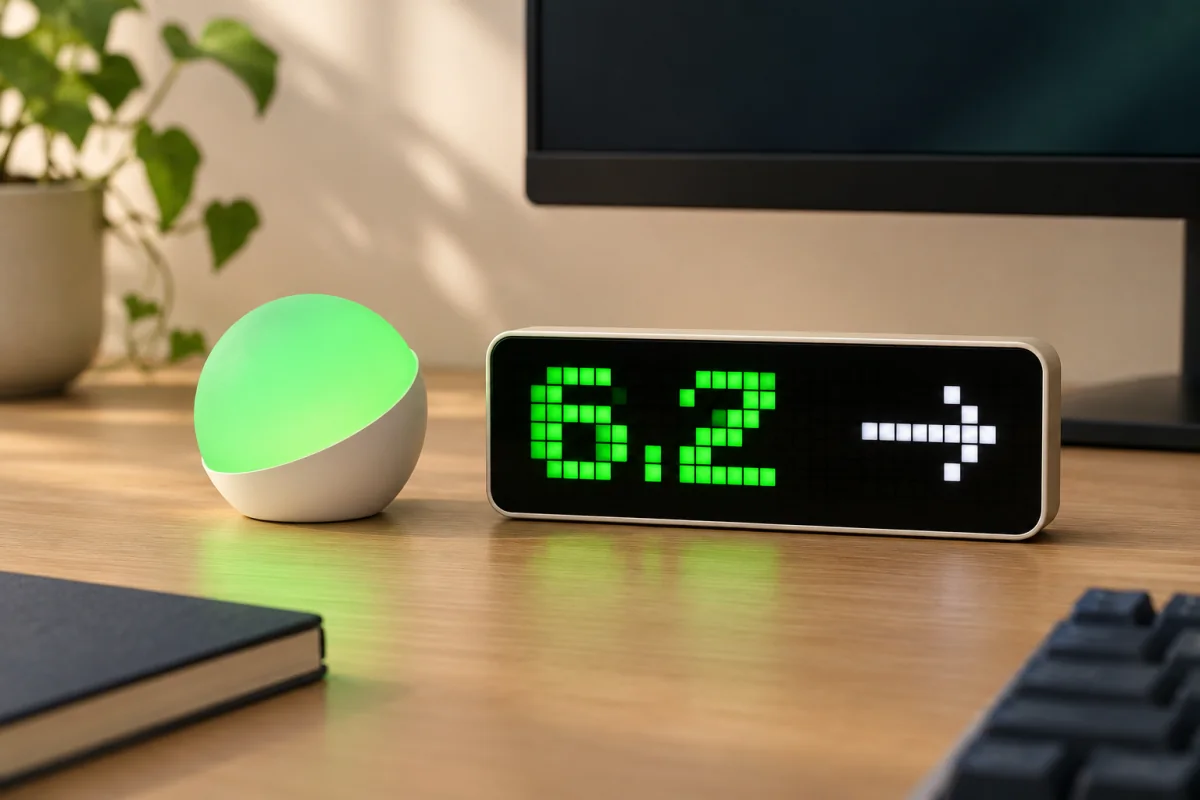 Glowcose and Ulanzi.
Questions and support
Tell us which sensor and app you use. We can help you check what works.
Ask us before signing upNo. Nightscout connects diabetes data with compatible apps and displays. Pro runs your Nightscout site and provides guides and setup help. You still need a supported source account and to complete the connection steps.
Start with the compatibility section. The source account, device configuration and region matter, not just the brand name. If your setup is not listed or you are unsure, contact support before subscribing. Not every glucose monitor or diabetes device is supported.
Only use displays that meet the requirements for the app or feature you choose. Nightscout Follow is currently an iPhone public beta. Apple Watch, CarPlay and Live Activities depend on supported devices, software and settings. Phones, watches, car displays and desk clocks are purchased separately.
Yes. The browser demo uses fictional data and needs no account. Device-only features are simulated. For the real iPhone app, join the public beta through Apple TestFlight; beta software is still being developed.
Managed Nightscout hosting, software updates, supported Pro Connect connections, setup guides and support, plus access to the Follow public beta. Your glucose monitor, display devices, source services and any separately purchased third-party apps or hardware are not included.
No. Display devices are bought separately. We do not design, build, sell, deliver, repair or maintain them. Your seller or device maker handles hardware support, returns and warranties. We help with your Nightscout Pro connection.
Yes. Sign in to Follow with your existing Nightscout Pro email address and password. You do not need to create another Pro account.
With your permission, Critical Alerts can sound through Silent mode and Do Not Disturb. Enable Critical Alerts in iOS and configure your alerts in Follow. Notifications require an internet connection and the relevant device settings.
After setup, Nightscout Pro sends updates to Follow’s Live Activities. Supported views include the iPhone Lock Screen and Dynamic Island, Apple Watch Smart Stack and compatible CarPlay displays. Updates depend on incoming data, connectivity, device support and enabled settings.
You can keep using the open-source ecosystem. Compare Pro with self-hosting or contact us to discuss your existing site and migration options before making changes.
Use our setup guides, email [email protected], or visit the Facebook community. You can ask about compatibility before signing up.
| What to consider | With Nightscout Pro | Self-hosted Nightscout |
|---|---|---|
| Setup | Managed hosting, connection guides and setup help. | Choose a host, deploy Nightscout and configure your connections. |
| Updates & maintenance | We manage the hosted service and software updates. | You manage deployment, updates and infrastructure issues. |
| Support | Contact our support team about your Pro setup. | Community documentation and support, plus your hosting provider. |
| Cost | A recurring Pro subscription. Separate devices and third-party purchases are extra. | Nightscout software is free and open source. Hosting costs vary, and you provide the administration time. |
| Apps & displays | Pro Connect and our Follow beta alongside compatible Nightscout tools. | Use compatible tools from the open Nightscout ecosystem; each has its own requirements. |
| Moving an existing site | Ask us about migration before switching; the route depends on your current setup. | You plan and carry out any data transfer and configuration changes. |
Built on the work of the open-source Nightscout community. Pro provides managed hosting and additional services; the wider ecosystem is not exclusive to Pro.
Start with your setup