Try Nightscout Follow, our iPhone public beta

Apps and displays

Your glucose.
Where it suits you.

From your phone and wrist to your desk or bedside. Explore the options, then check the requirements for your setup.

Follow is an iPhone public beta. Hardware and third-party apps are purchased separately.

02 Where you can see it

Find the view
that fits your day.

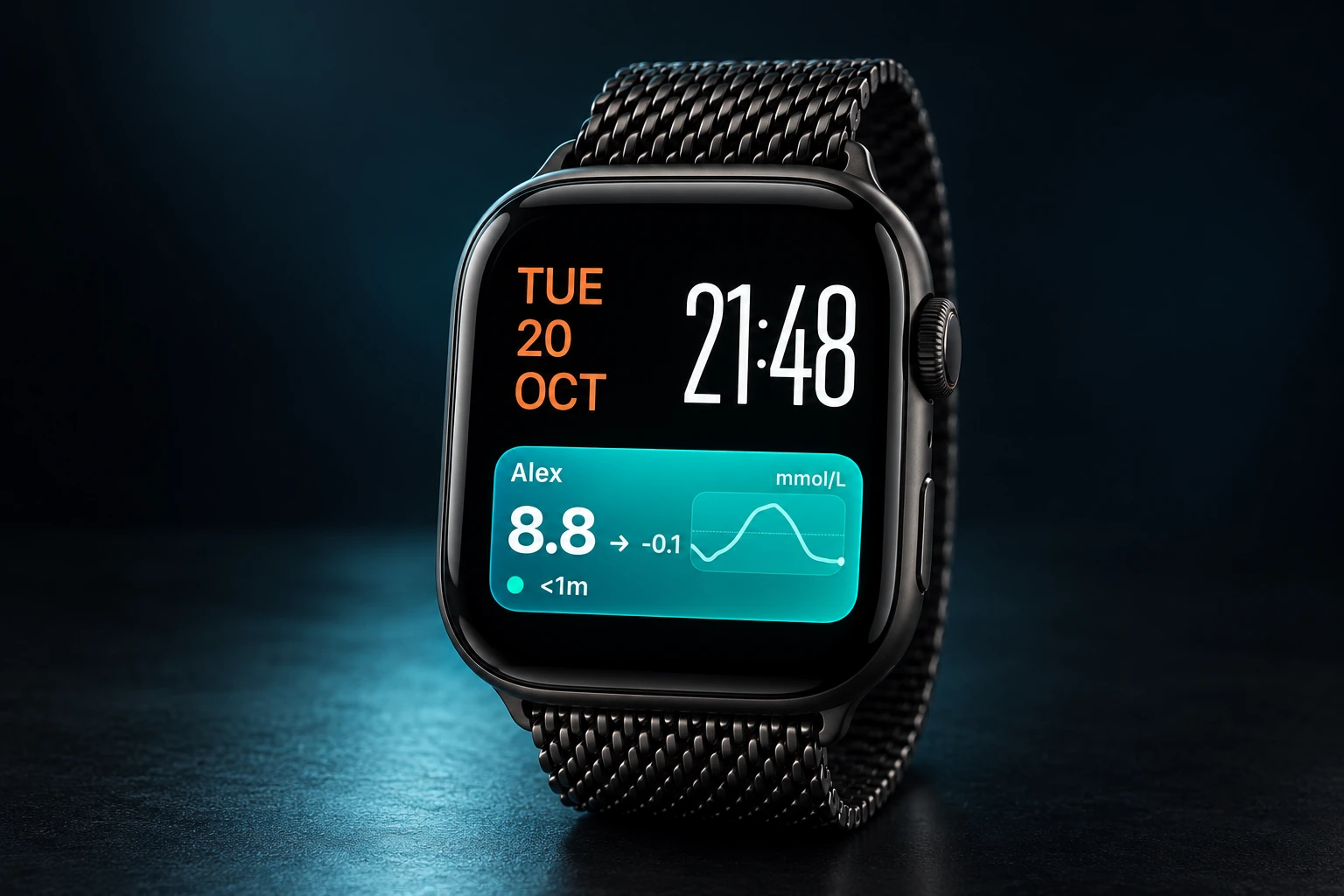
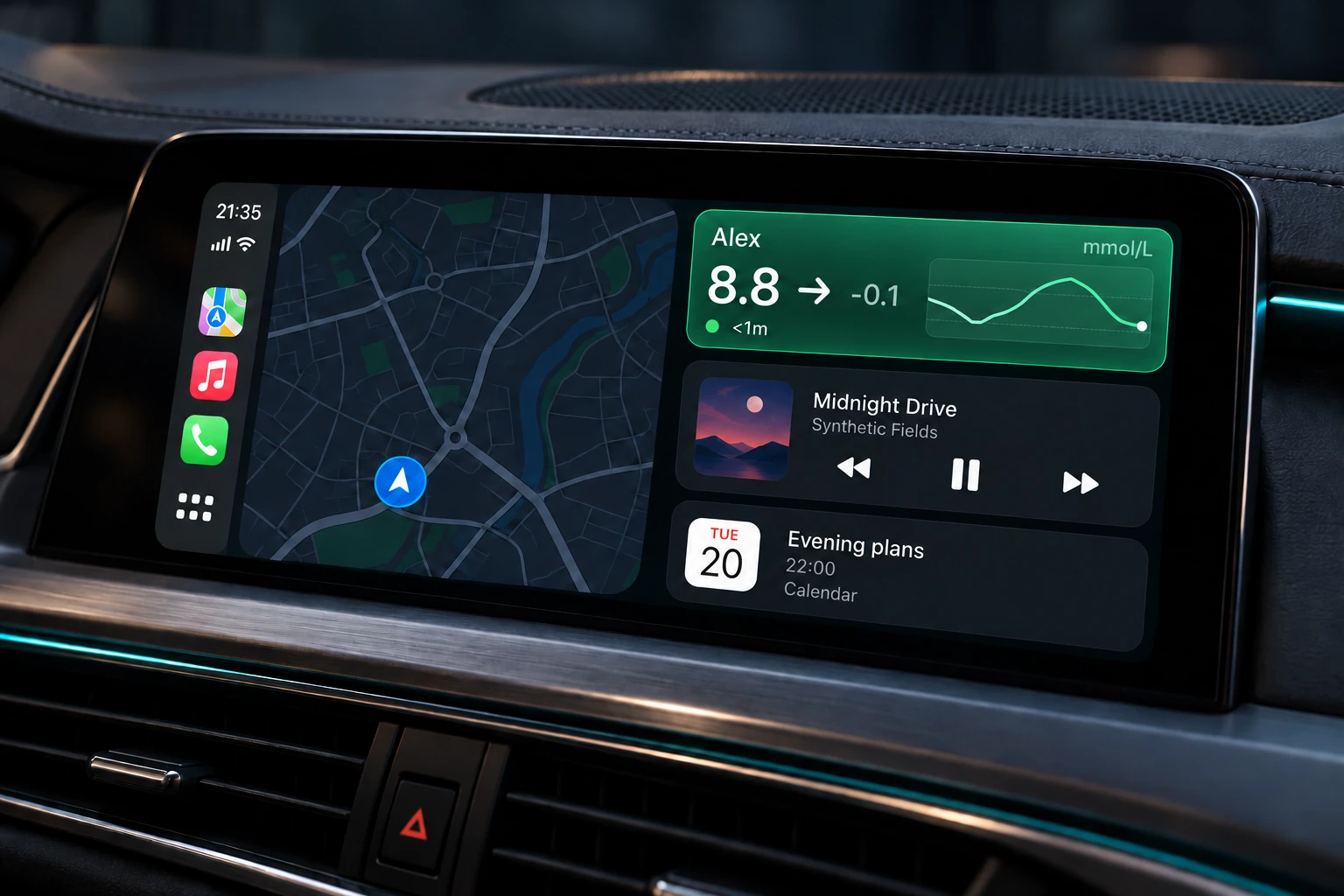
On your phone, wrist or a compatible car display. Choose where to see your readings with the Follow iPhone public beta.

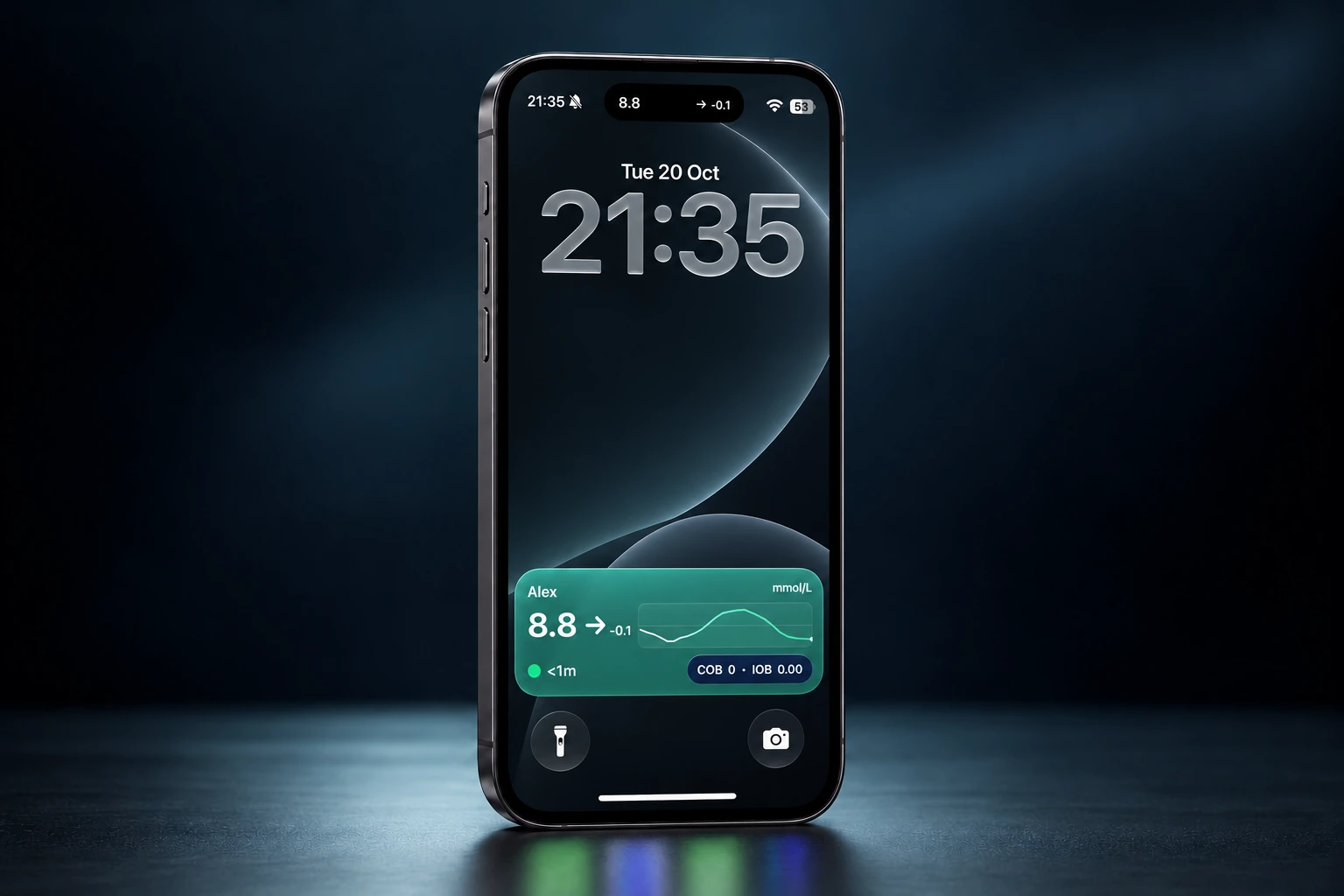
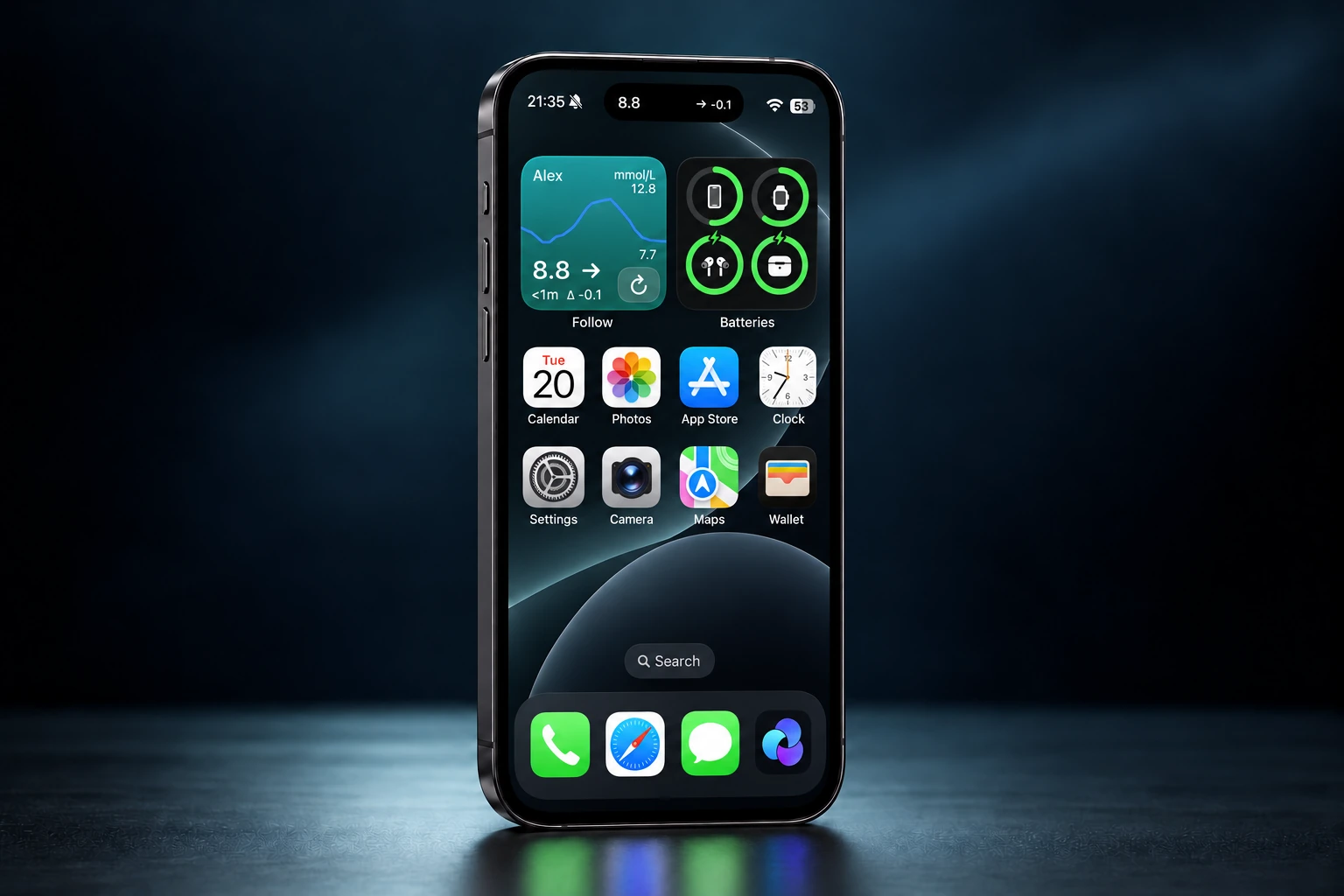
A realistic iPhone render showing the Nightscout Follow Lock Screen Live Activity and Dynamic Island with sample data

LOCK SCREEN & DYNAMIC ISLAND

A glance is all it takes.

See your latest glucose and trend on your Lock Screen. New readings appear as they arrive.

Illustrative render · Sample dataExplore Follow

These views need the installed Follow app, a compatible device and the right settings. Images use sample data and may differ from your device.

More places to see your glucose

On your desk.
Across your home.

Connect a compatible display to your Nightscout site for a view around the home. Buy the device separately and follow its setup guide.

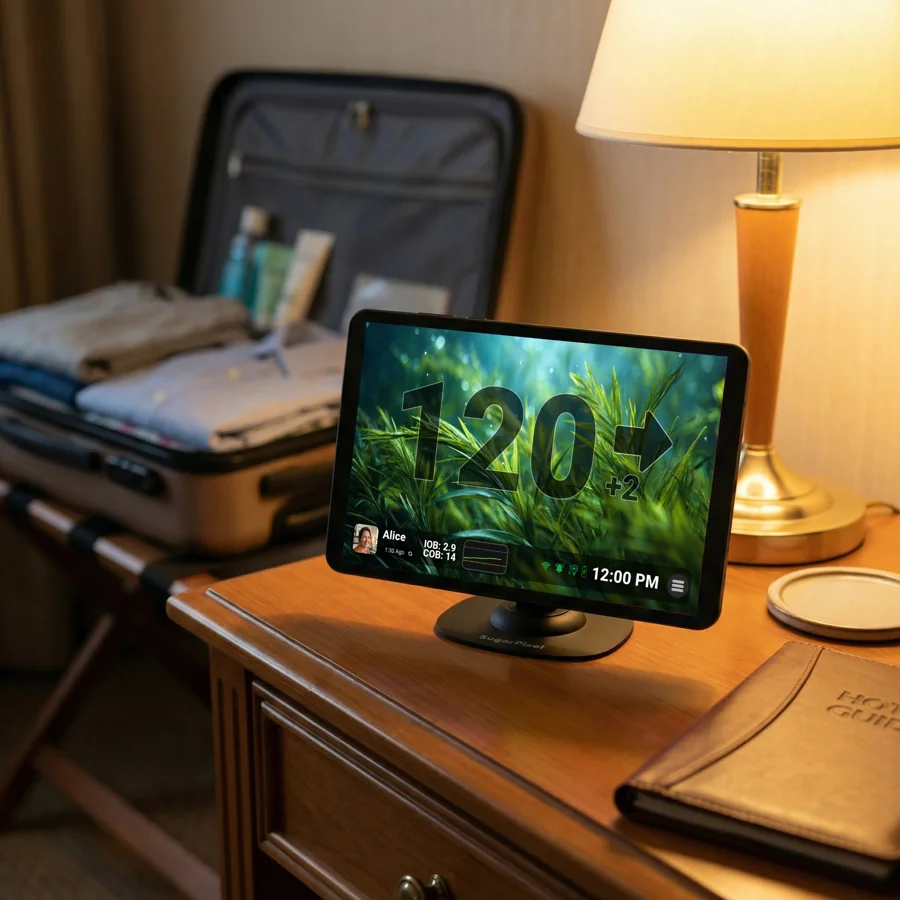
SugarPixel+ touchscreen glucose display on a bedside table

DEDICATED GLUCOSE DISPLAY

SugarPixel+

CustomTypeOne · sold separately

Nightscout connection

An always-on touchscreen with glucose, trends and graphs. Configure its Nightscout data source using CustomTypeOne’s instructions.

Setup: Wi-Fi and the maker’s Nightscout setup.
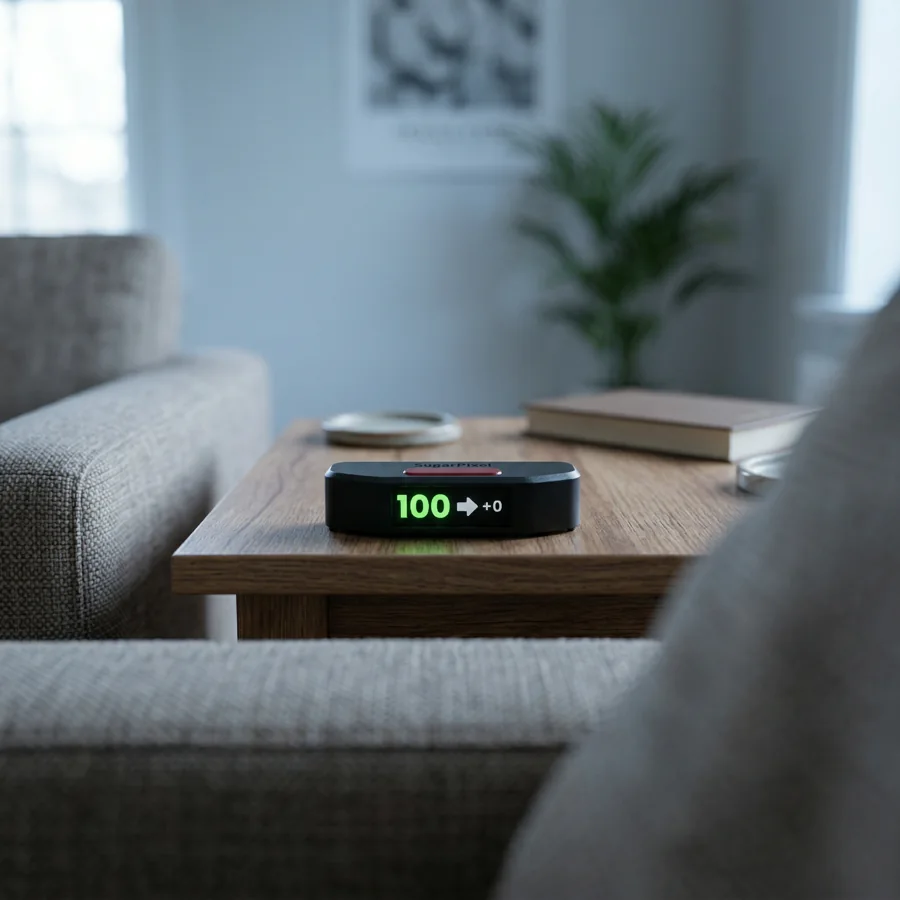
SugarPixel Mini showing an example glucose reading on a coffee table

COMPACT DESK DISPLAY

SugarPixel Mini

CustomTypeOne · sold separately

Nightscout connection

A compact display for your reading, trend and time. Connect it to your hosted Nightscout site through the maker’s setup.

Setup: 2.4 GHz Wi-Fi and the maker’s Nightscout setup.
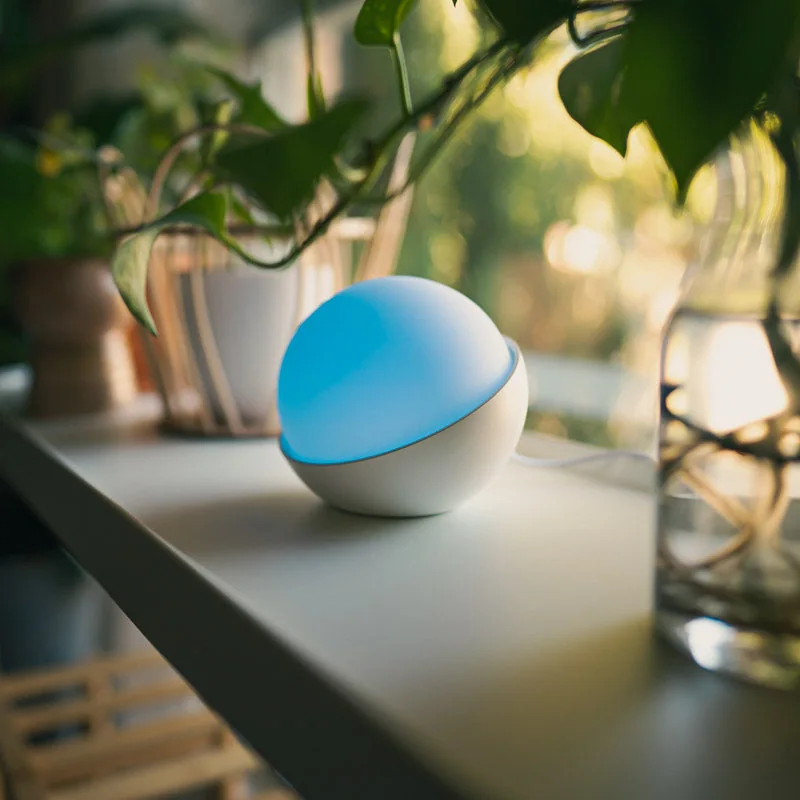
A Glowcose ambient glucose light glowing blue beside a plant

GLUCOSE IN COLOUR

Glowcose

Glowcose · sold separately

Via a Glowcose account

A Wi-Fi light that changes colour with glucose ranges. Connect your Nightscout site using the Glowcose setup guide.

Setup: Wi-Fi, a Glowcose account and a Nightscout connection.

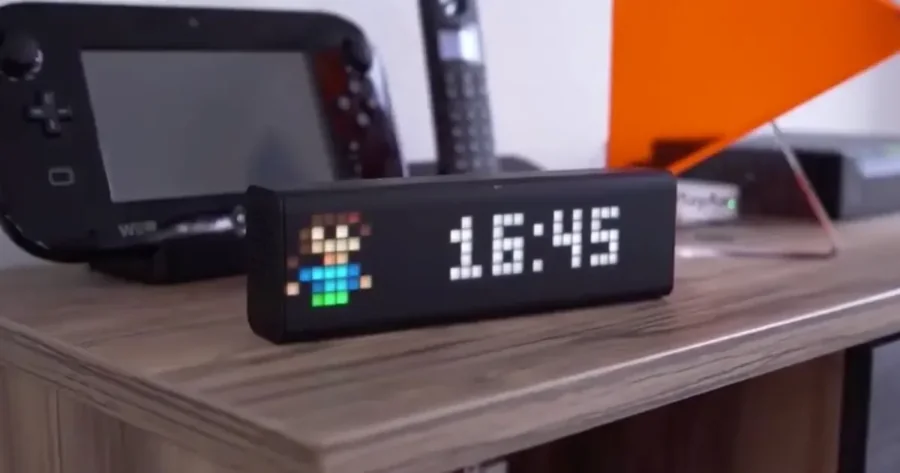
LaMetric TIME pixel clock on a desk showing an example clock face

SMART CLOCK & DISPLAY

LaMetric TIME

LaMetric · sold separately

Via a third-party app

Show glucose, a trend arrow and recent history with the community Nightscout monitor app by Martin Lukasek, listed in LaMetric Market.

Setup: The Nightscout monitor app and its current device and OS requirements.

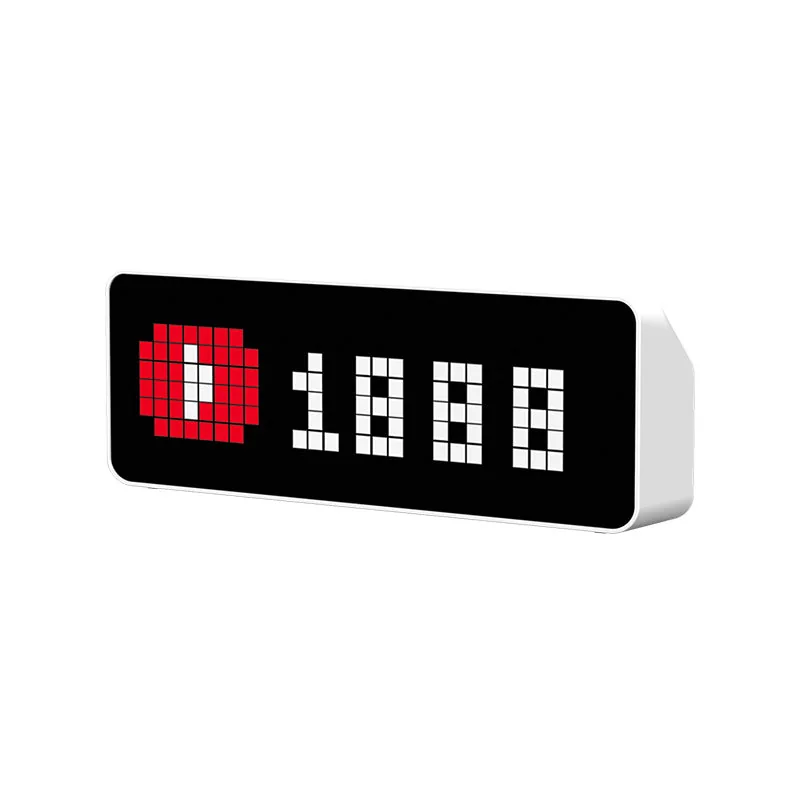
Ulanzi TC001 pixel clock with its standard display

COMMUNITY GLUCOSE CLOCK

Ulanzi TC001

Ulanzi · sold separately

Requires community firmware

The Nightscout Clock project turns the TC001 into a glucose display. This requires replacing the factory firmware and following the community guide.

Setup: TC001 hardware, Wi-Fi and compatible Nightscout Clock firmware.

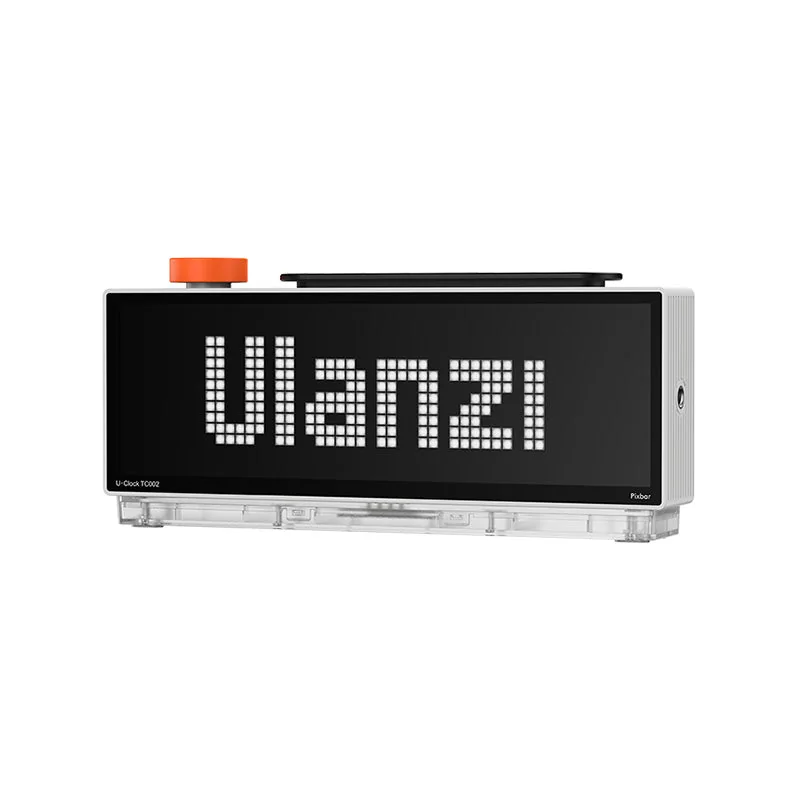
Ulanzi TC002 Pixbar II clock with its standard Ulanzi display

CHECK THE EXACT MODEL

Ulanzi TC002 · Pixbar II

Ulanzi · sold separately

Nightscout compatibility unverified

We have not verified a Nightscout connection for this model. A connection that works with the TC001 may not work with the TC002.

Setup: Confirm a working Nightscout integration for the TC002 before buying.

Already have another Nightscout-compatible device?
Check the guide for your exact model, or ask us about connecting it to Pro.

Ask about your device

Independent third-party products. Product names and images belong to their respective makers; listings do not imply a partnership. Images show example display content. Device availability and integrations can change.

A third-party Mac app

Glucose in your menu bar.

Nightscout Menu Bar by Adam Dinneen shows readings and recent history on your Mac. It requires macOS 13 or later and a configured Nightscout connection. Install it separately from the Mac App Store.

Explore Nightscout Menu Bar