
Choose what you hear
Select the glucose alerts and levels available in Follow.
For families and supporters
Choose the glucose alerts and sounds that suit you. Agree how family members should help, then explore the options for your setup.
Compatible source required. iPhone app in public beta. Sensors sold separately. Check compatibility.
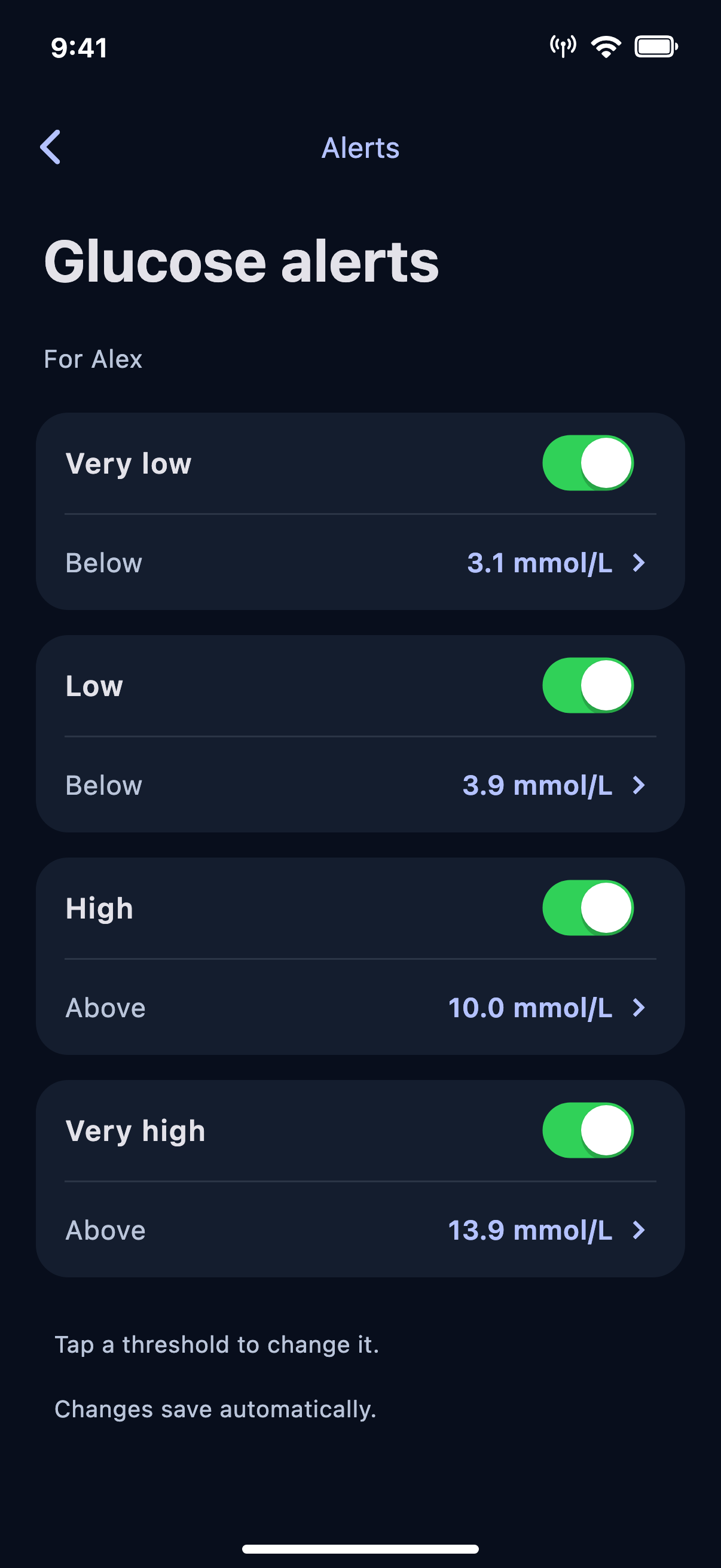
Select the glucose alerts and levels available in Follow.
Explore sounds, snooze options and iPhone Critical Alerts.
Decide together when another person should check in.
Meet Elaine and Amy
Elaine has insulin-treated Type 2 diabetes and uses a CGM. Her daughter Amy helps with her agreement. They want alerts that suit their different roles.
Elaine manages her daily care. Amy receives the updates they have agreed are useful.
Example scenario, not a customer testimonial.Choose her own available glucose alerts.
Set preferences for the information she follows.
Check permissions, sounds and connection status.
Example only. Available records and update times vary.
Why consider Nightscout Pro?
Manufacturer apps already offer alerts. Explore Follow if you need a particular sound, control or contact option your current app does not provide.
Try the alert levels, sounds and snooze options in the demo.
Critical Alerts need your permission to sound through Silent mode and Focus.
If you want SMS alerts, ask us about availability, requirements and any extra cost.
Good to know
On a supported iPhone, Critical Alerts can sound through Silent mode and Focus with your permission. Enable them in your iPhone settings and in Follow.
Yes. Explore the controls in the browser demo. Phone alerts, permissions and SMS are simulated. No messages are sent.
No. Keep using your primary device and the care arrangements you have agreed. Use your usual routes for urgent help.
Your next step
Create your Nightscout Pro account, or check your setup and try the demo first.
From £3.99 / month*
*£47.88 billed annually per Nightscout site.
Monthly billing also available at £4.99.
Hardware and separately purchased third-party apps are not included.